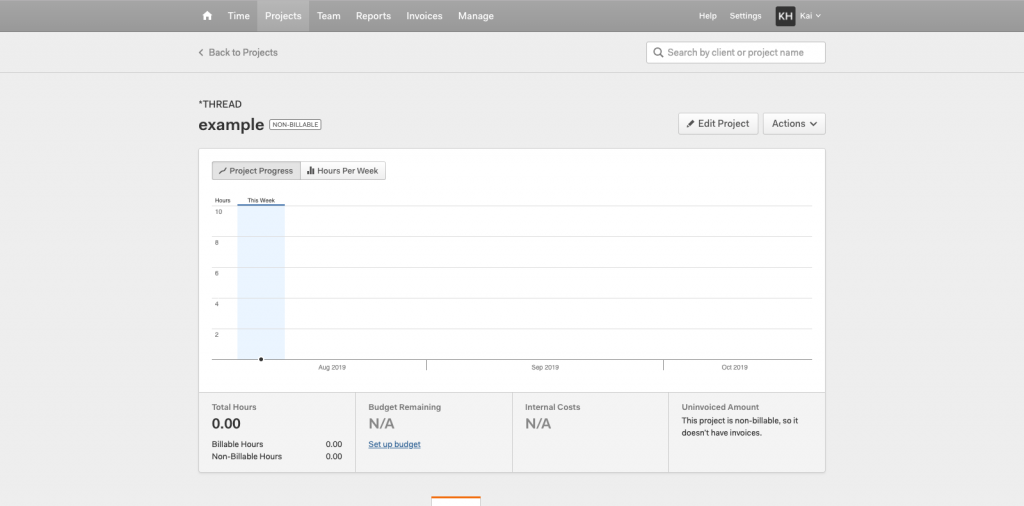
Asana – Set up
To register an Asana account
1. Go to Asana website: https://app.asana.com
2. Click “Sign up”
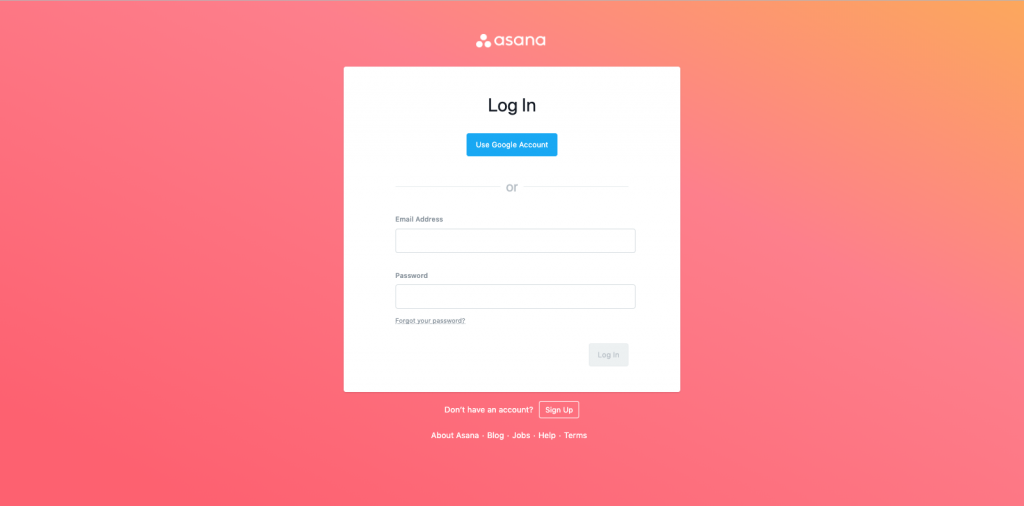
3. Use company email for joining Thread team in Asana and then verify email address.
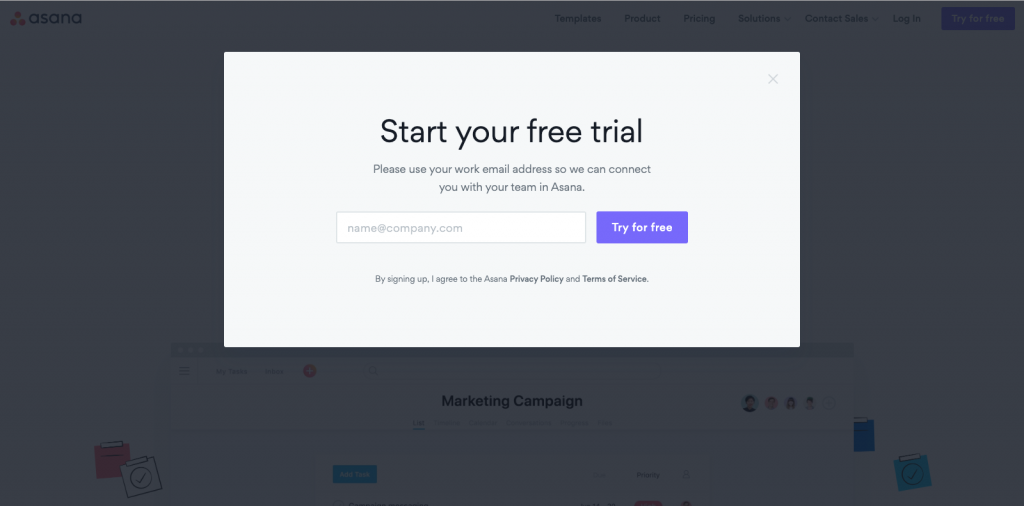
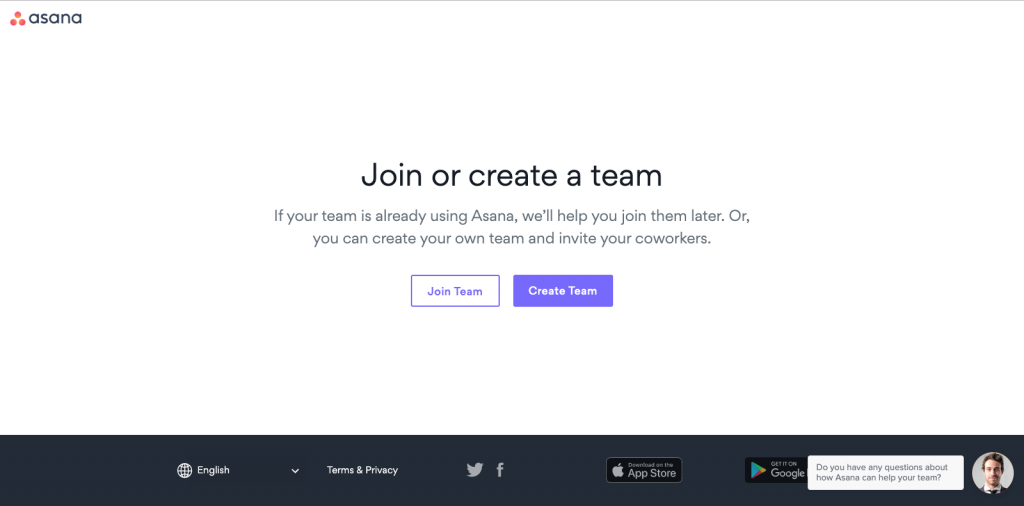
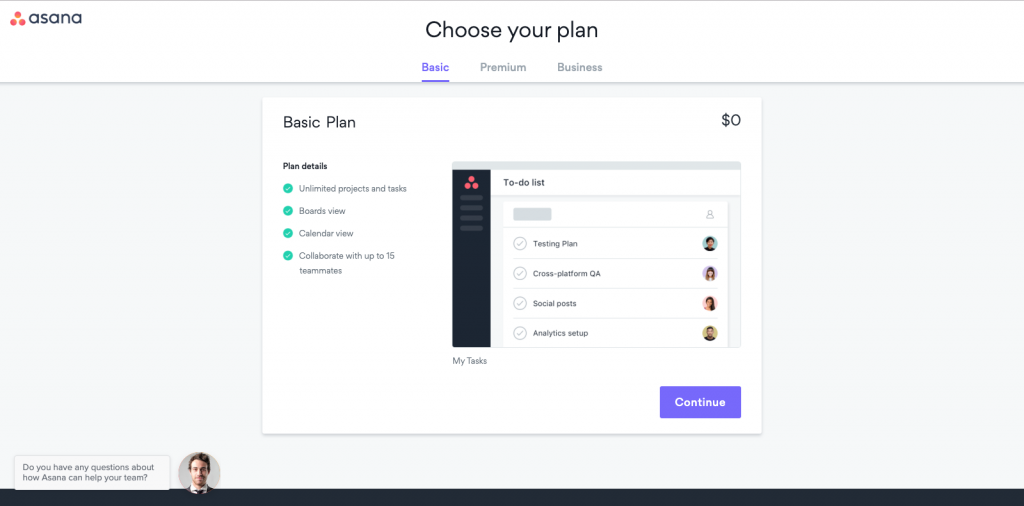
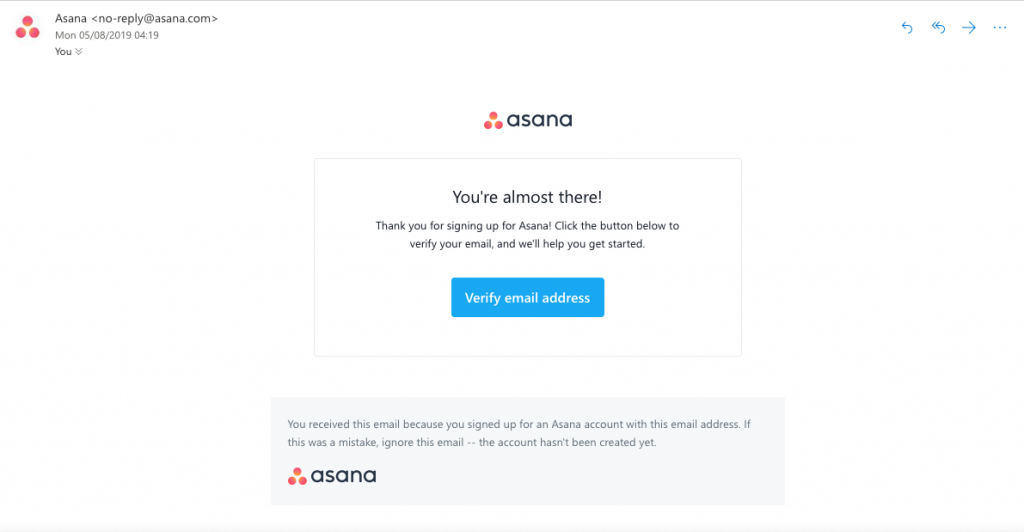
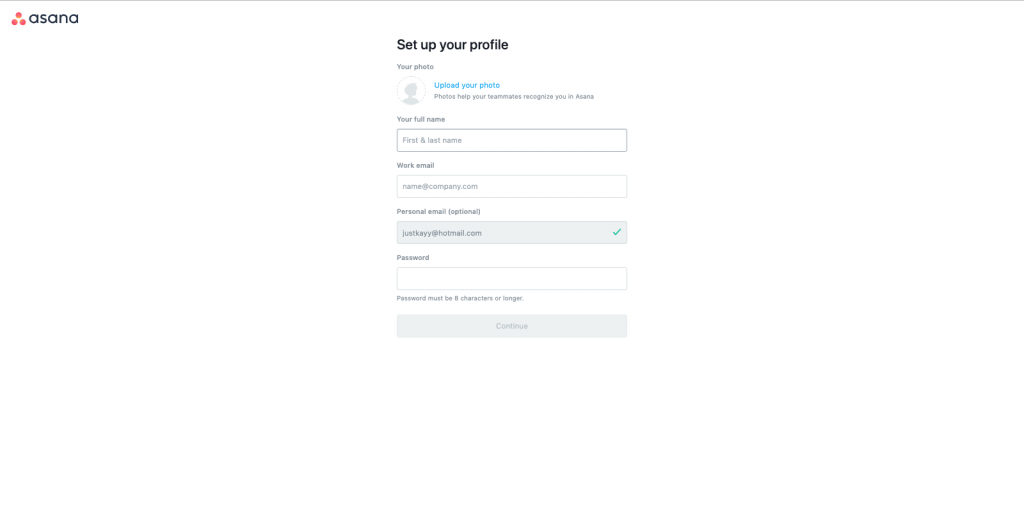
4. Set up your profile
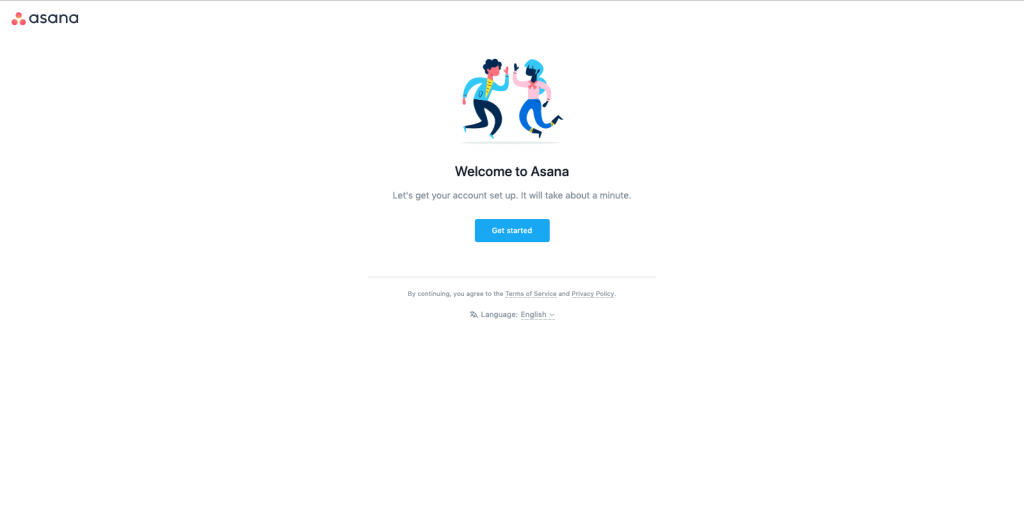
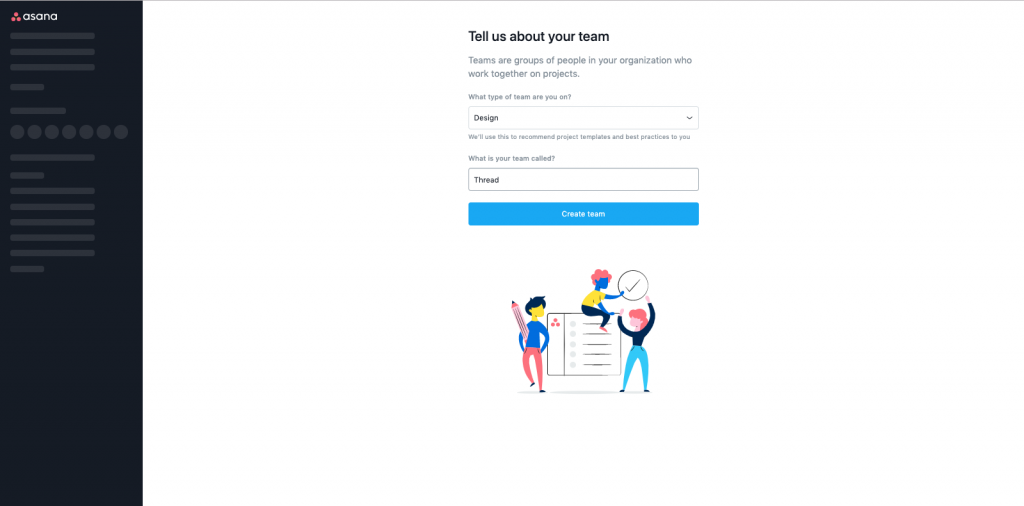
Get started!
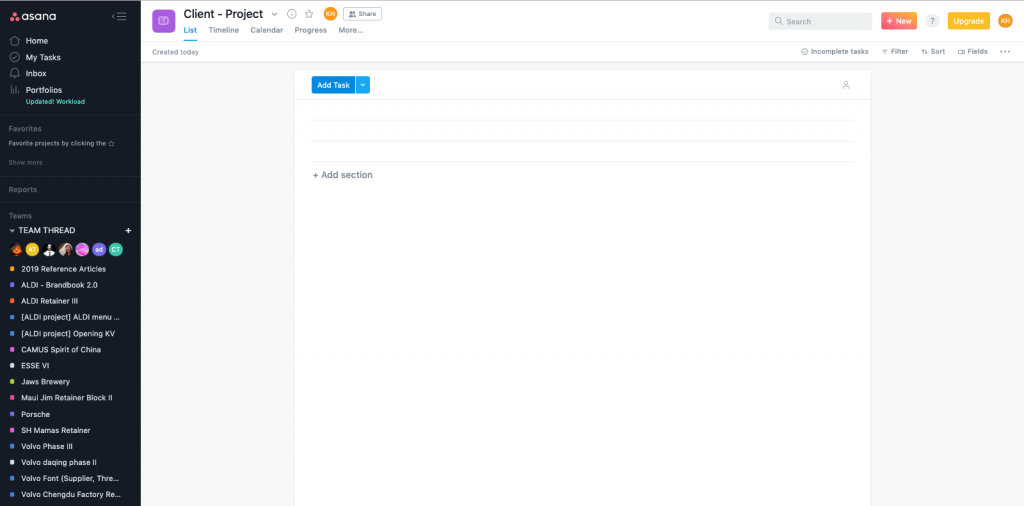
1. Add project
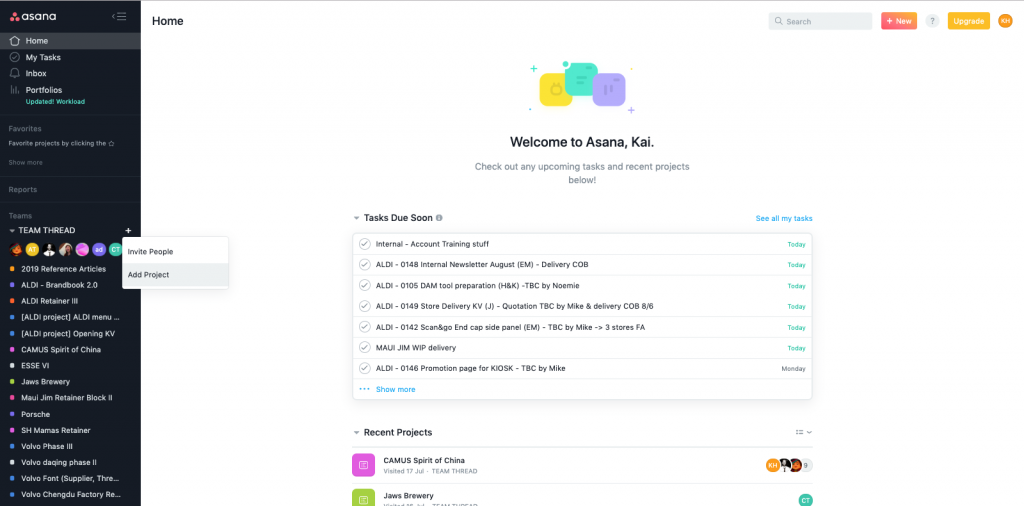
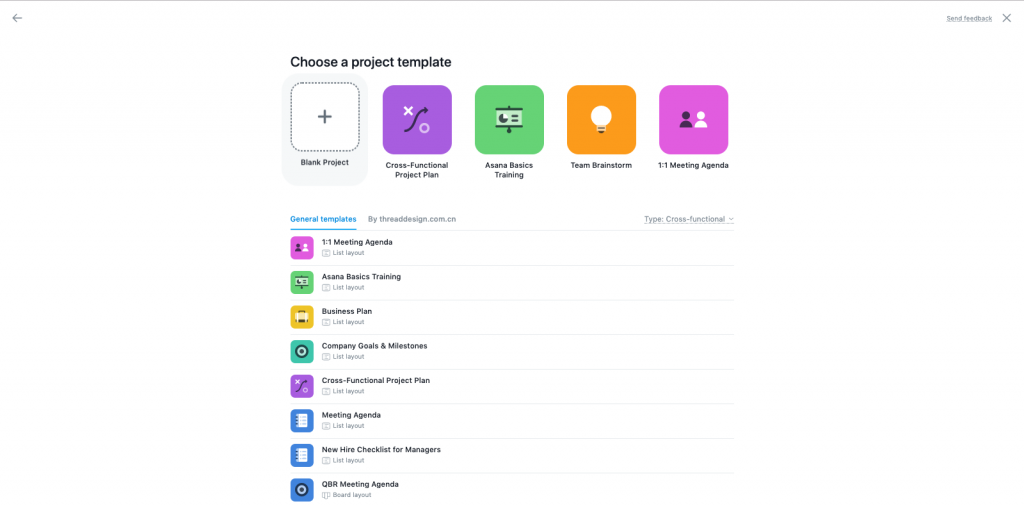
2. Choose a Blank Project (or you can choose the other default templates for exploring more possibilities)
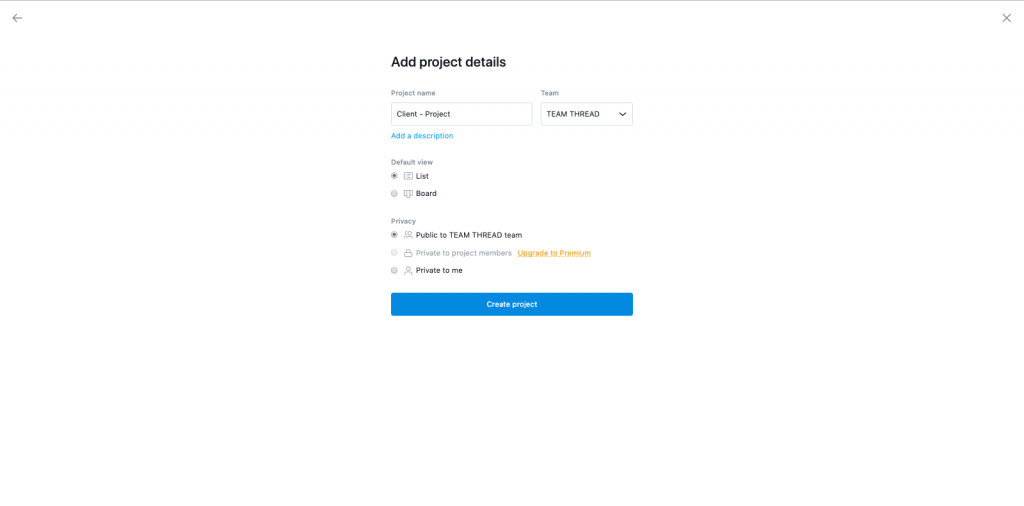
3. Add project details – Create project
4. Add Task
a. Click “Add Task” – Write a task name
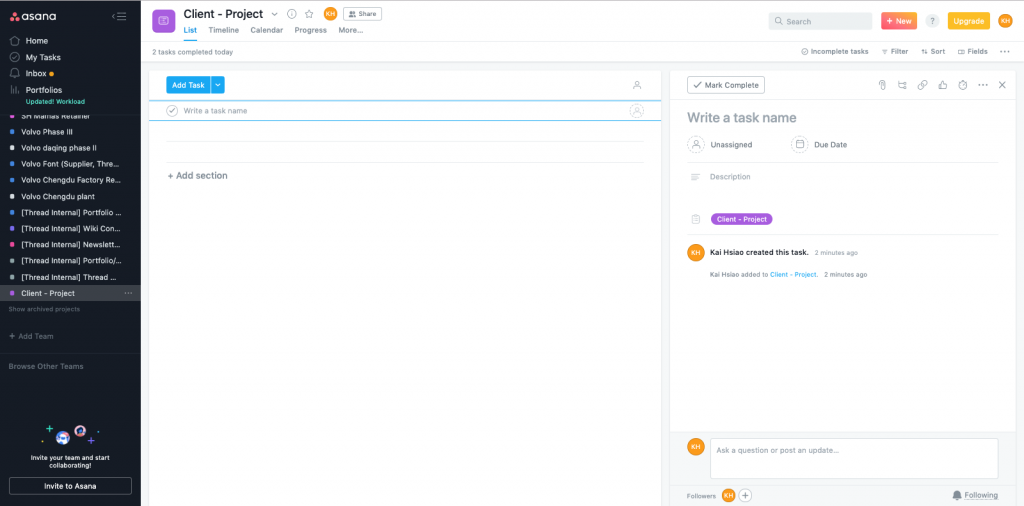
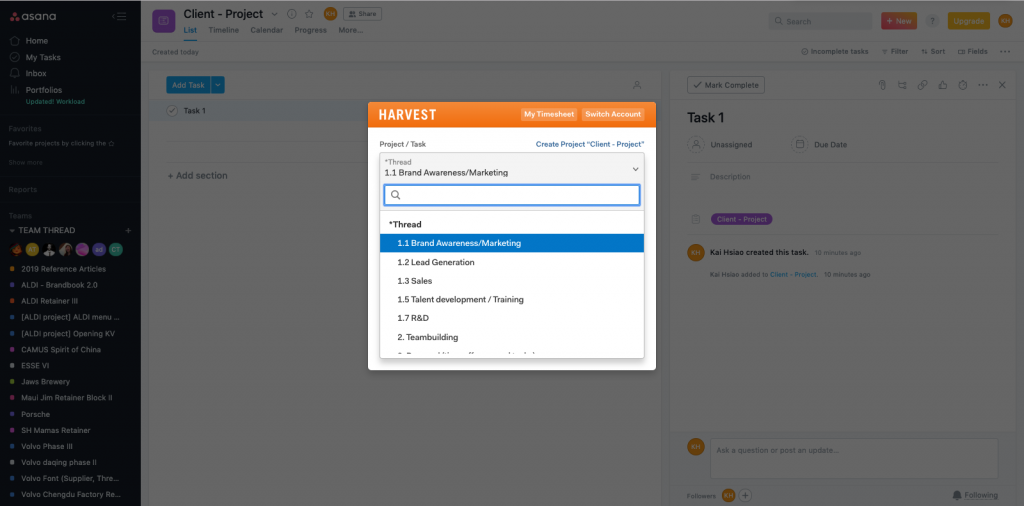
b. Sync to Harvest – Choose the project/task
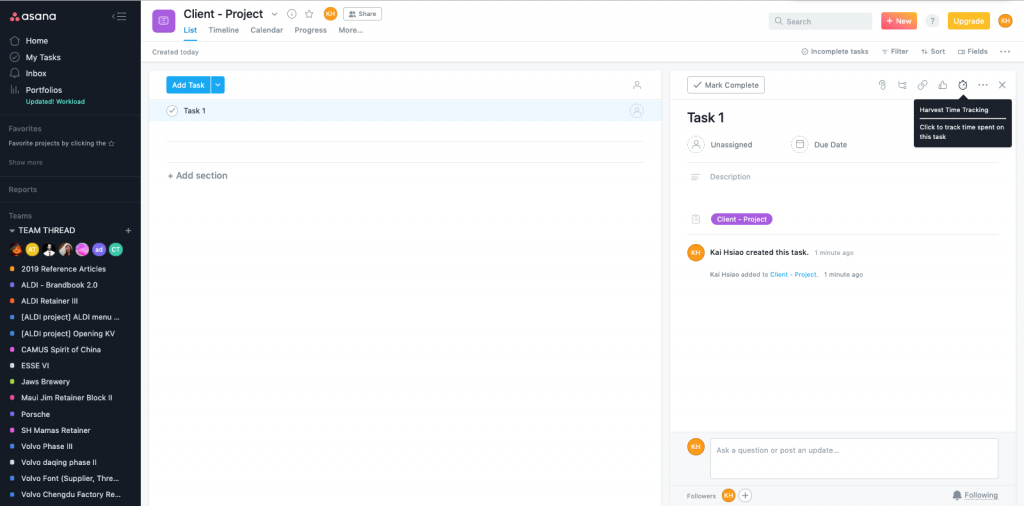
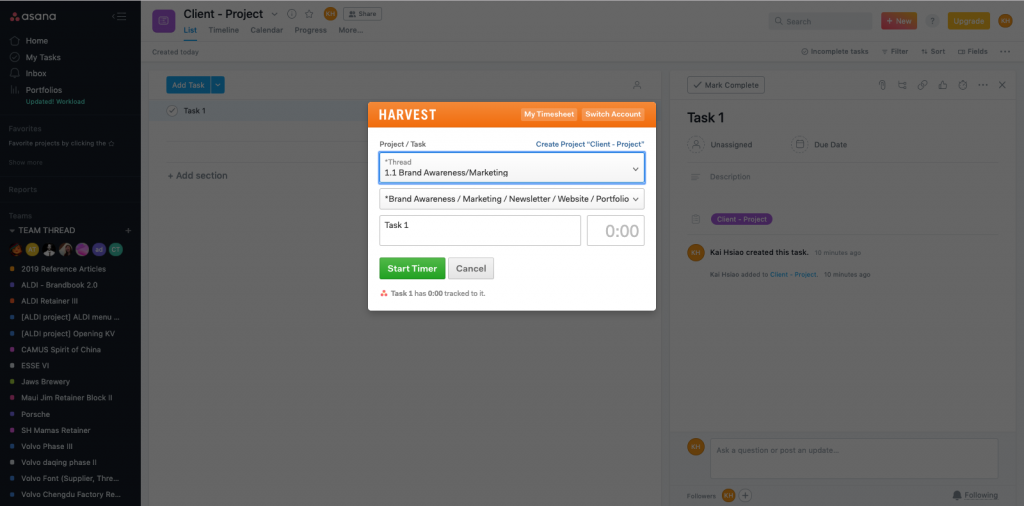
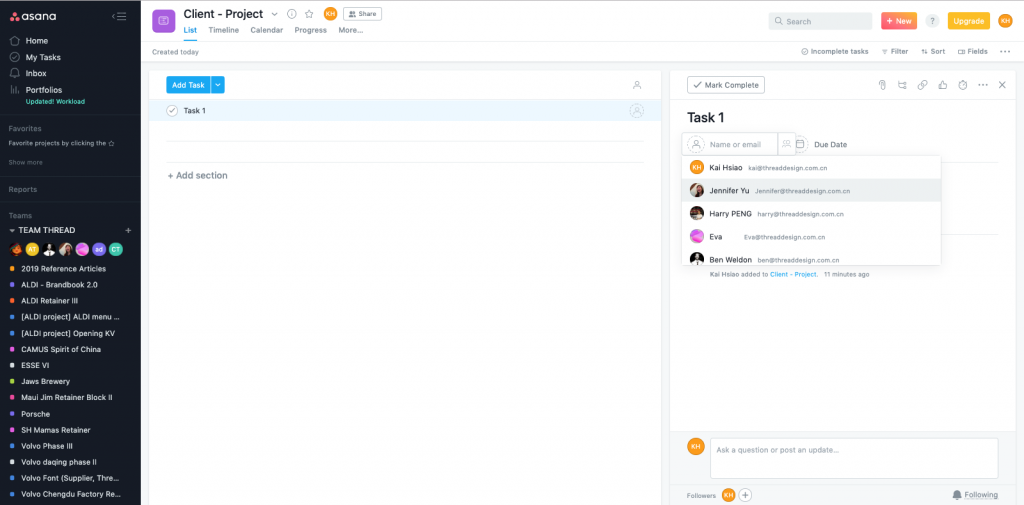
c. Assign task to team members
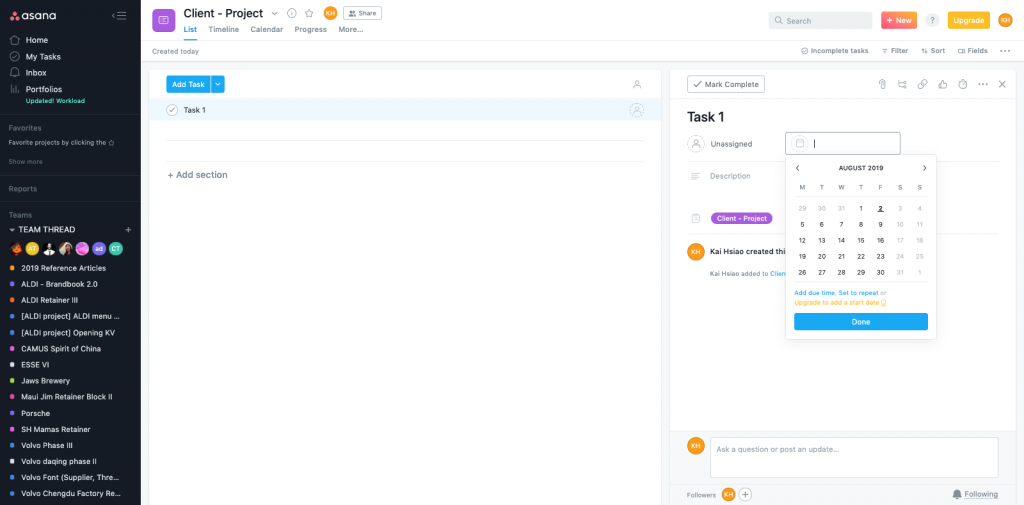
d. Set due date
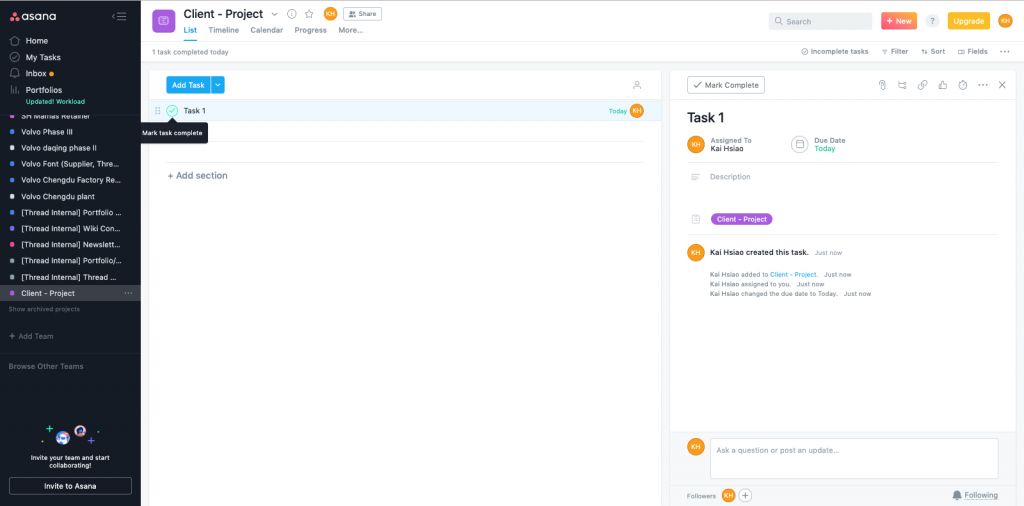
e. Task completed
Harvest – Set up
To register a Harvest account
1. Go to Harvest website: https://www.getharvest.com/
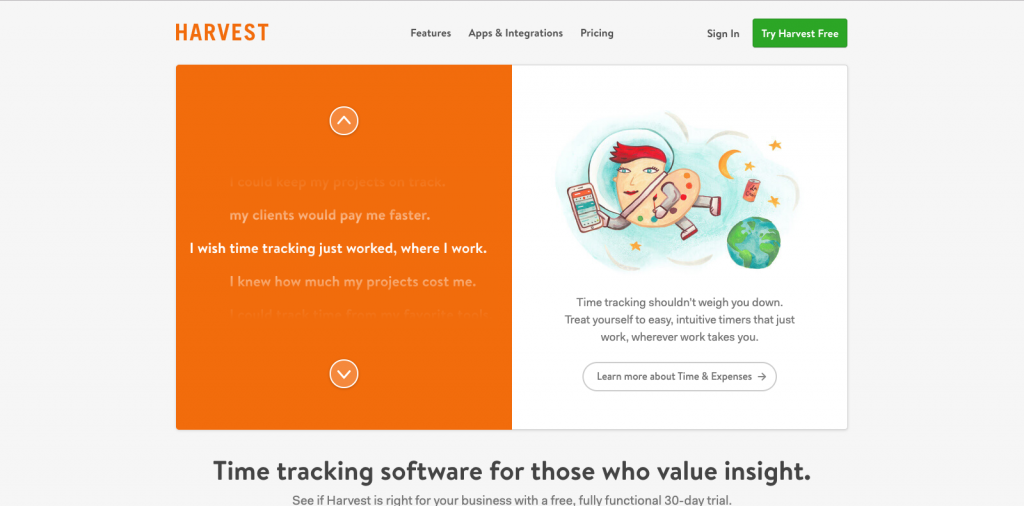
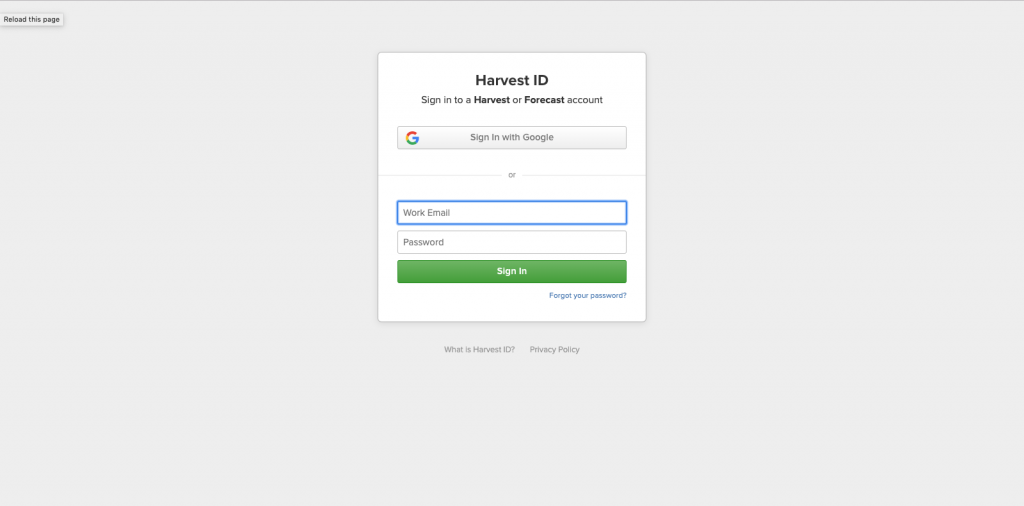
2. Sign in with Google / Choose your company email
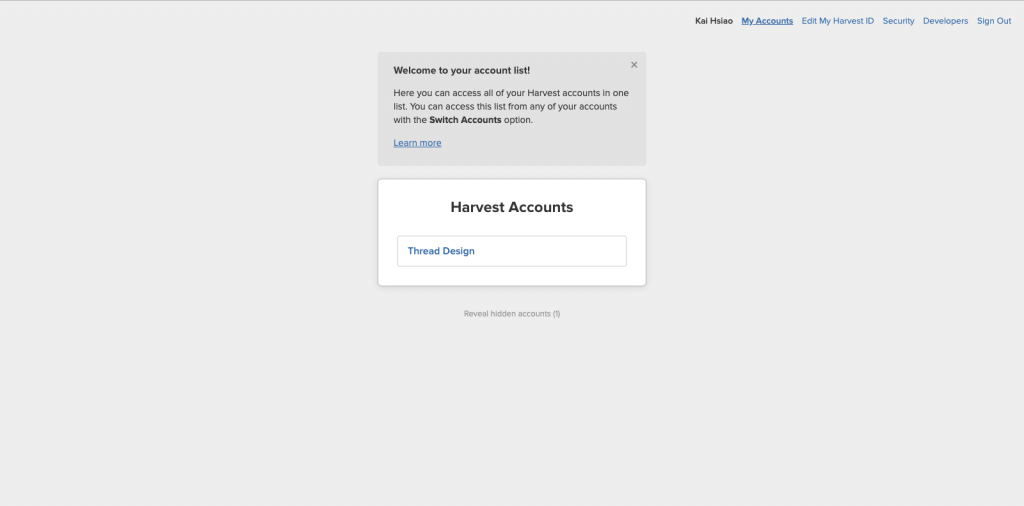
3. Choose Thread Design
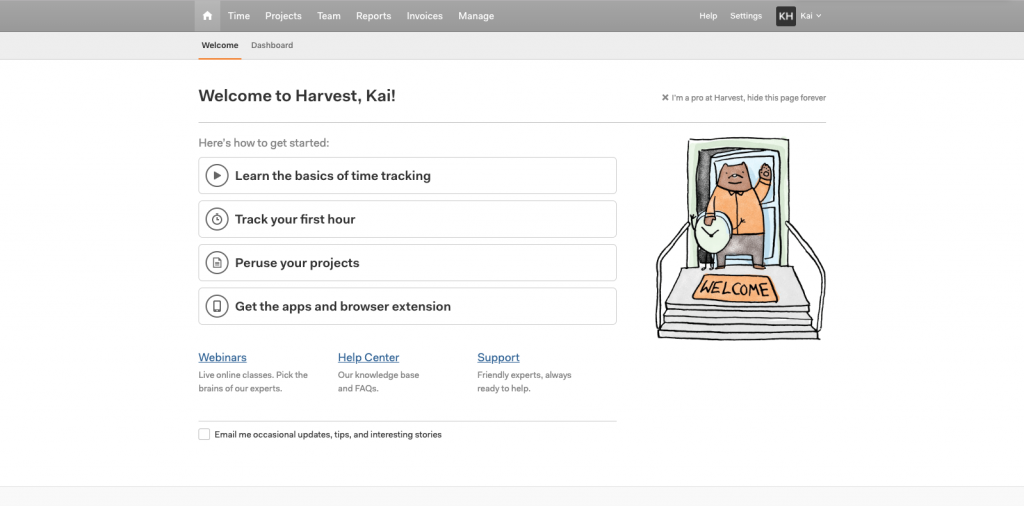
Get started!
1. Click “Projects”
2. Add project – Click “+ New project”
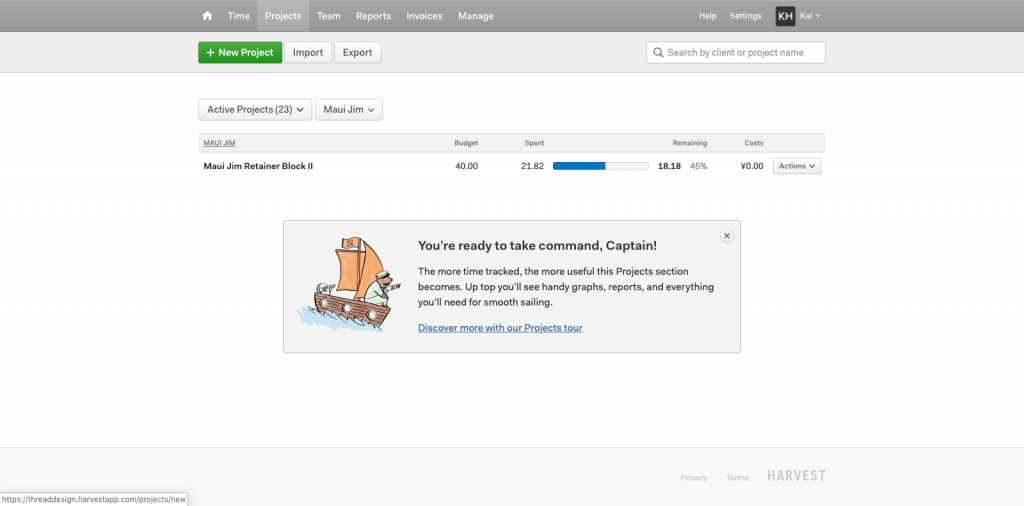
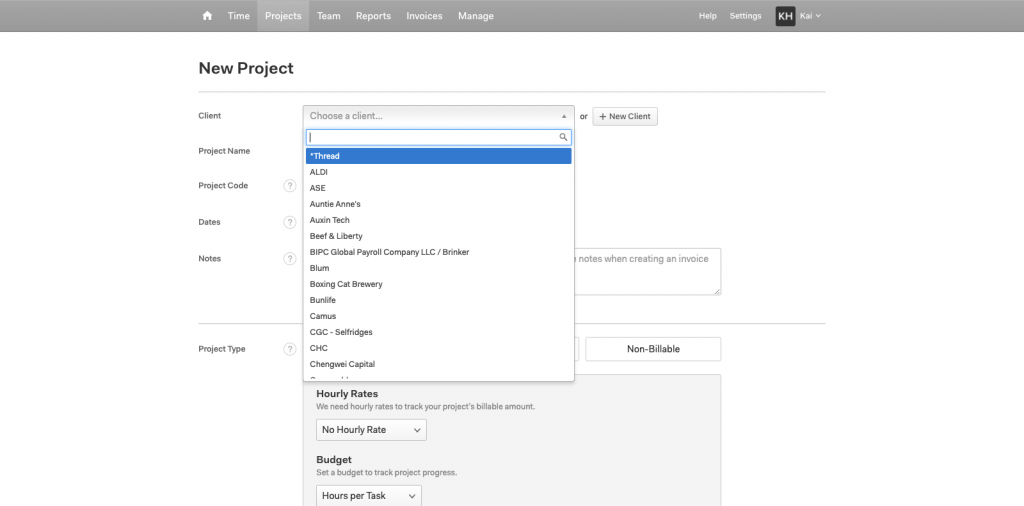
3. New project
a. Choose a client or Click “+ New Client”
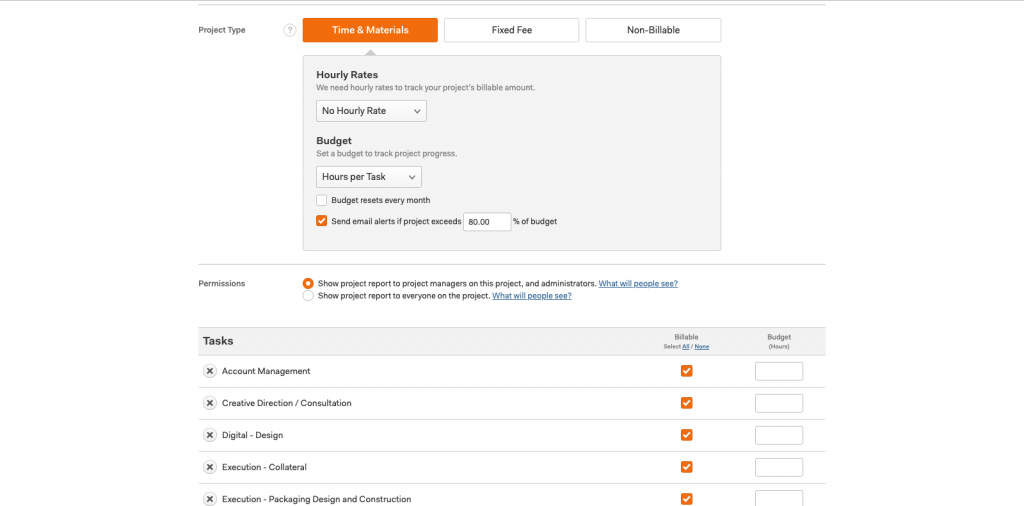
b. Project type: Time & Material/Fixed Fee/Non-Billable
* It is suggested to set a notification when project exceeds 80% of budget
c. Add task – Remove all the default and add tasks based on the quotation (Deliverables)
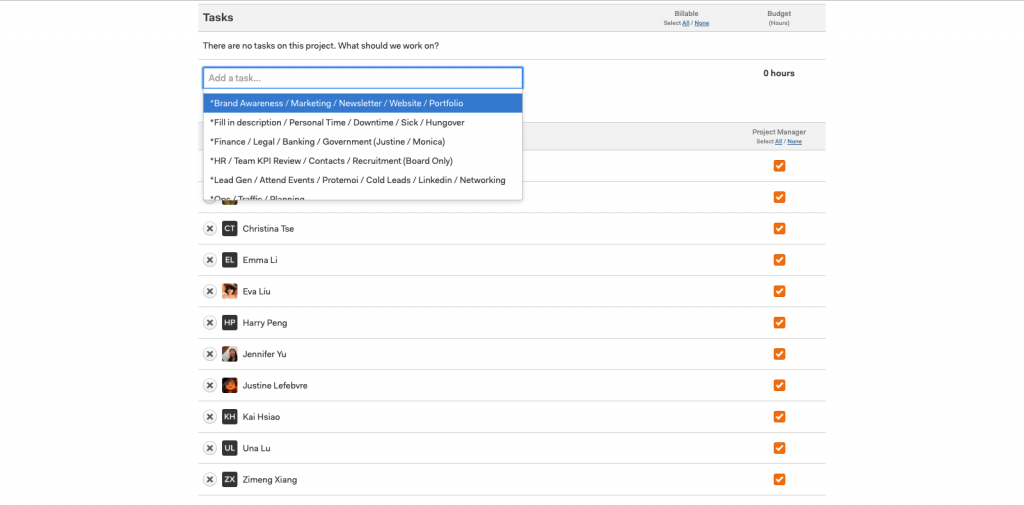
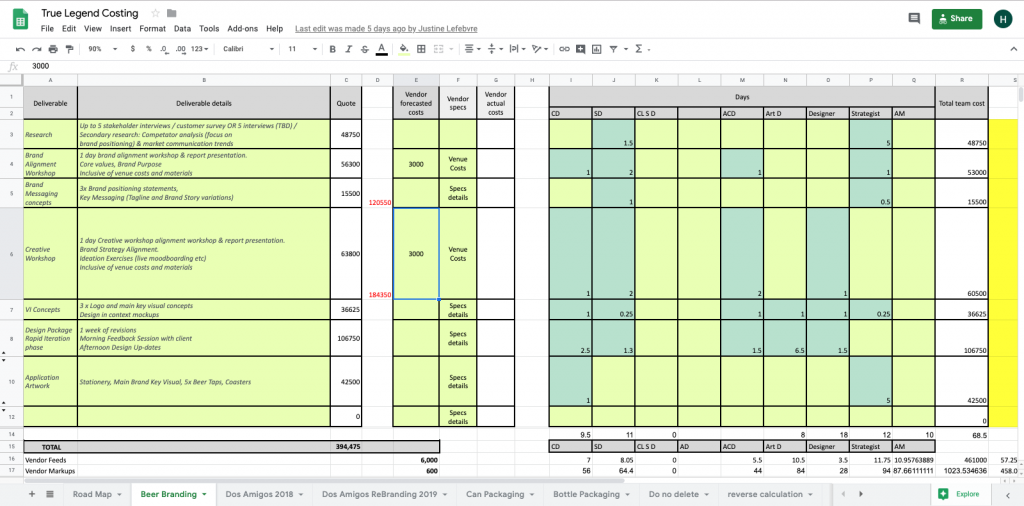
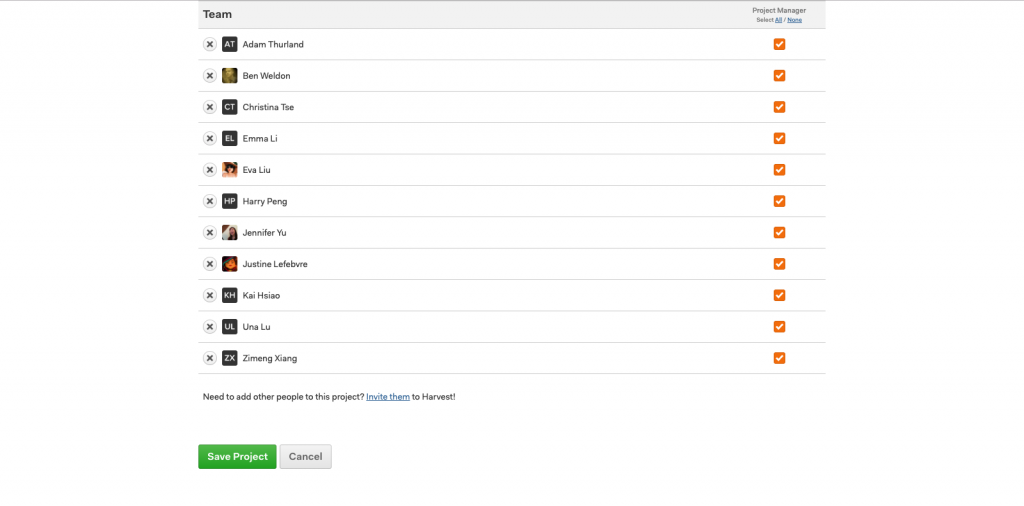
d. Add team members to the project based on the quotation (Days) – Save Project
e. Done